
AI on Set: A Working Crew Guide — Dane Lawing
Field Guide — On-Set AI Tools
Featured at NAB Show 2026 CineCentral Workshop

AI on Set: A Working Crew Guide

This is not the work of an AI enthusiast who learned about film production. It is the work of a film production professional who learned about AI. That inversion shapes every assessment in these pages — written by a working DP who's been figuring it out on real jobs, with a career that depends on getting it right.
Get the Guide
$22 · PDF download
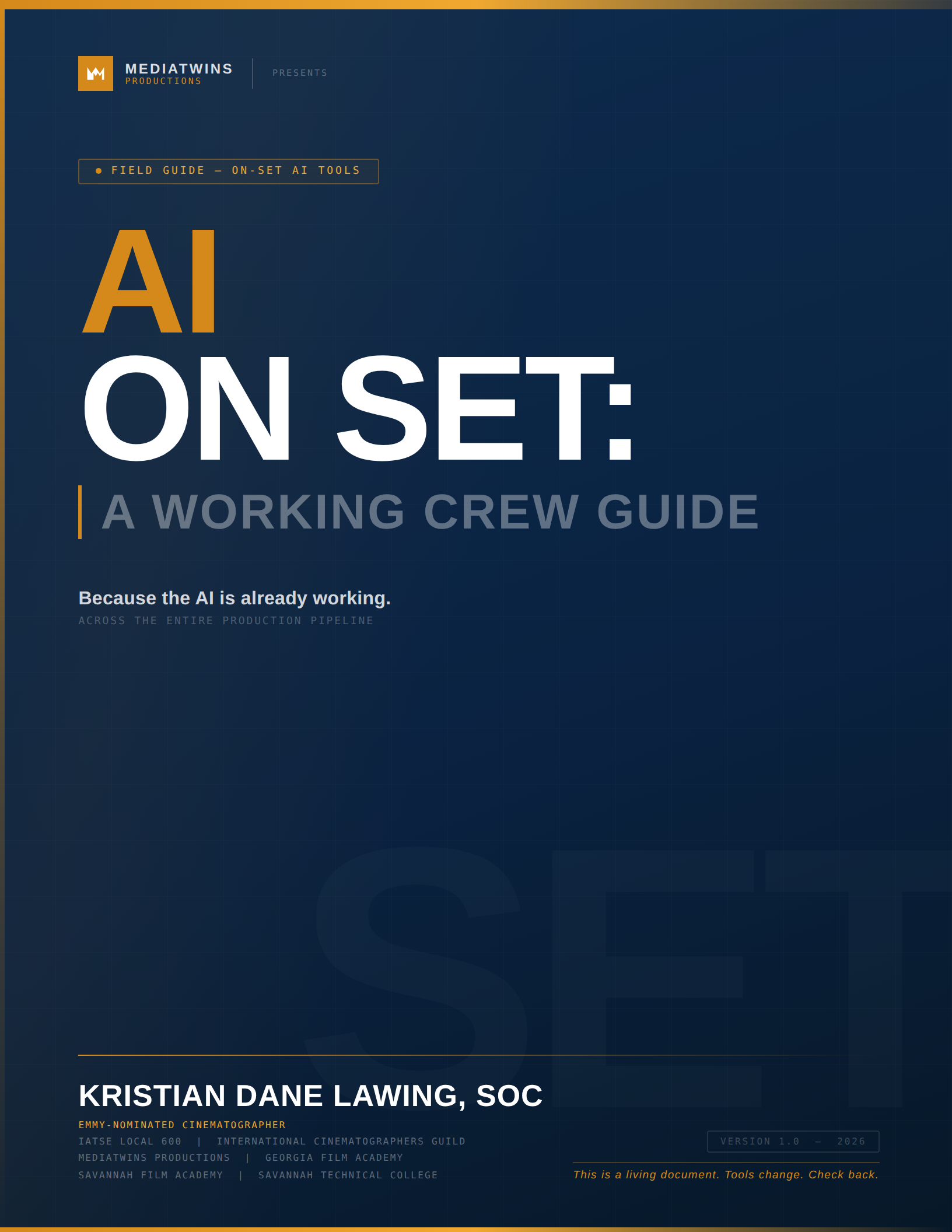
AI on Set cover
Emmy-Nominated Cinematographer
IATSE Local 600
Georgia Film Academy
Savannah Film Academy
30 Years on Set
MediaTwins Productions
Just Shipped
Version 1.1 Updated for NAB 2026
Already in your purchase if you bought v1.0
Chapter 5
DaVinci Resolve 21
Ten new AI features announced at NAB 2026 — IntelliSearch, Slate ID, CineFocus, and seven more. All covered.
Chapter 6
Color Pipeline
FYLM.ai updated with confirmed Mariposa ML model details, NeuralToneAI module, and collaborative review workflow.
Chapter 8
Union Updates
WGA's new four-year 2026 MBA. SAG-AFTRA contract status. Soderbergh sidebar on nuanced real-world AI use.
Chapter 9
Every Department
Avid + Google Gemini (NAB 2026), Eddie AI v3 Night Shift, Wideframe AI, Shade — plus corrections throughout.

Not hype.
Field notes.

This isn't a tech blog post about what AI might do someday. It's a department-by-department breakdown of the tools that are shipping right now — what's actually AI, what's just sophisticated automation being marketed as AI, and what that distinction means for your workflow.

Written for working crew. Every chapter is organized around a department, not a technology.

And because this industry moves fast, this is a living document — updated regularly as tools change, tools get acquired, and tools disappear overnight.

The Core Distinction
Real AI learns, adapts, and interprets. Automation executes rules. This book draws that line clearly in every tool it covers — because conflating them will cost you time, money, and credibility.
Written From
Real productions. Not a tech demo. Not a sponsored overview. A DP who started using these tools on actual jobs and needed a reference that didn't exist.
Budget Reality
Includes reports on cost — what's free, what's subscription, and what the full AI pipeline actually runs per month at a working production level.
Union Awareness
Covers IATSE, WGA, and SAG-AFTRA positions on AI tools. Because knowing the rules matters.

9 Chapters.
Every Department.

Version 1.1 shipped April 2026 — updated post-NAB Show with new content across four chapters. This is the living document model working in real time: tools announced this week are already in the guide.
Ch5: DaVinci Resolve 21 — ten new NAB 2026 AI features including IntelliSearch and Slate ID
Ch8: WGA's new 2026 four-year MBA and SAG-AFTRA contract update
Ch6: FYLM.ai Mariposa ML model, NeuralToneAI module, collaborative review workflow
Ch9: Avid + Gemini (NAB 2026), Eddie AI v3 Night Shift, Wideframe AI, Shade
Corrections throughout: NolanAI rebranded to FinalBit, Respeecher/Brutalist corrected, multiple tool pricing and category fixes
1
Production Office
Line producer tools, Filmustage breakdown, PA document generation, scheduling AI
2
Director & Pre-Production
Visual research, ShotDeck workflow, storyboarding, script analysis
3
Lighting & Exposure
What's available now — and what no console actually does yet
4
Continuity & Scene Matching
AI still comparison, script supervision tools, what visual continuity AI can and can't do
5
Media Ingest & DaVinci
Proxy workflows, Bins, AI tools inside Resolve, Eddie.ai and all the usual (and unusual) suspects
6
Color Grading
FYLM.ai, ShotDeck, Colourlab AI, the CST pipeline, DCI white point risk
7
Your AI Pipeline
How it connects across departments, Human-Only Zones, realistic monthly budget
8
Ethics & The Human Layer
Skin tone bias, Shirley Card history, union positions, where human judgment is non-negotiable
9
Every Department Right Now
Sound, VFX, editorial, art, locations, post — tool tables for every department with honest evaluations
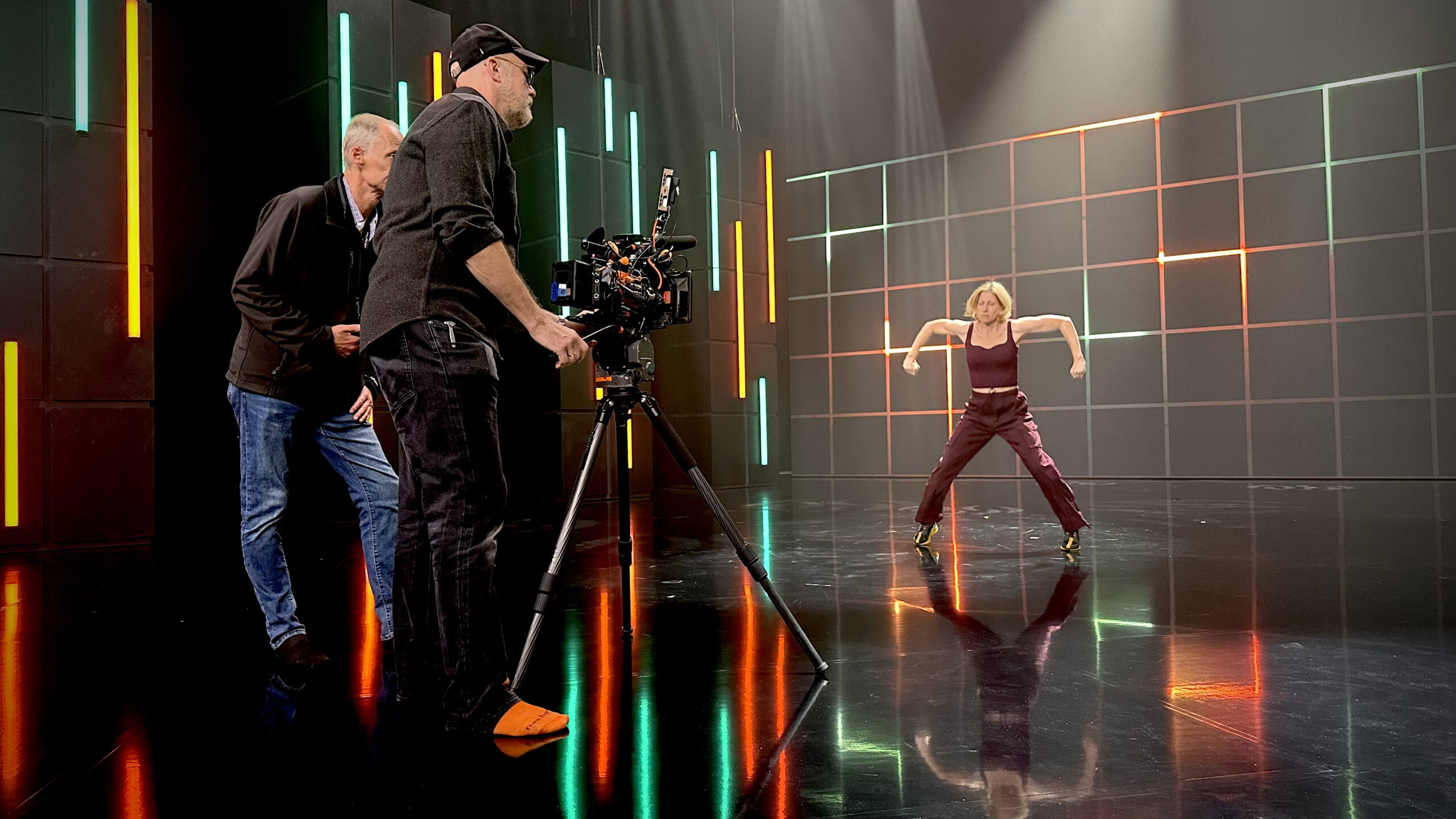
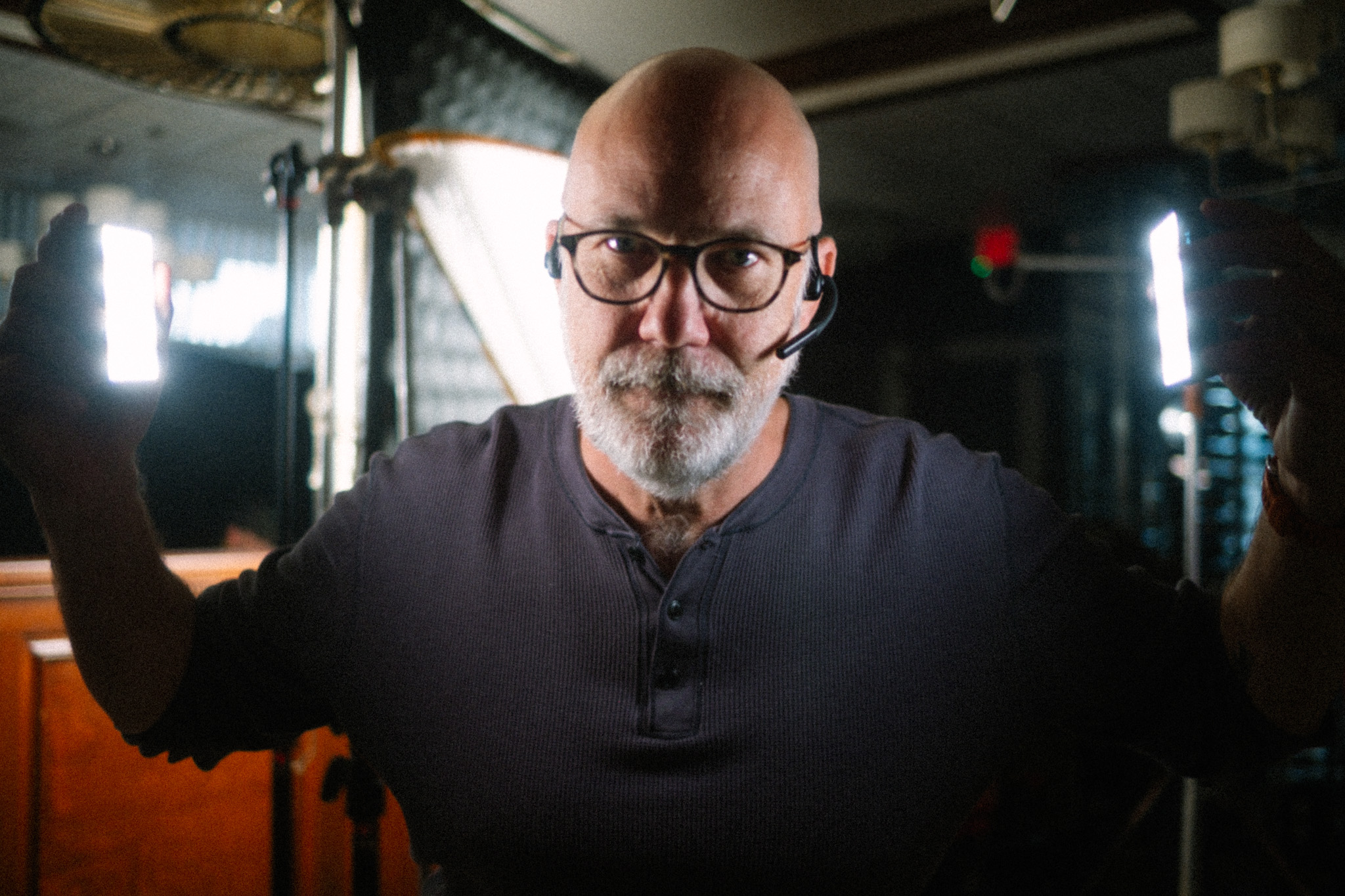
Dane Lawing on set
The tools don't replace
the judgment.
They change where you apply it.
Kristian Dane Lawing, SOC
Kristian Dane
Lawing, SOC
Emmy-Nominated Cinematographer
IATSE Local 600 — International Cinematographers Guild
Co-founder, MediaTwins Productions Savannah, GA
Faculty, Georgia Film Academy at Savannah State University
Faculty, Savannah Film Academy at Savannah Technical College
DP — When Sharks Attack (National Geographic, 6 seasons)
Emmy nomination — Pope: The Most Powerful Man in History (CNN)
Oscar shortlist — Quest for Honor documentary
Nearly 30 years as a professional Cinematographer
"I didn't write this because I have all the answers. I wrote it because I needed a reference like this on my own jobs and it didn't exist."

Tools change.
This guide keeps up.

This isn't a static PDF you buy and shelve. It's updated when tools change, tools disappear (Sora shut down March 2026 — it's already in the versioning section), and new tools enter the pipeline worth knowing about.

If you find something wrong, something missing, or something new — there's a direct line to Kristian at mediatwins.us. Readers are part of how this stays current.
Version 1.1 — 2026
Quarterly Updates
37+ Tools Covered
Full Appendix
Reader Contributions Welcome

The FYLM.ai Pipeline.

A complete writeup of this workflow — built from hands-on use, not speculation. How ShotDeck's visual language library feeds directly into FYLM.ai's AI LUT generation to establish your look before you ever touch a grade.

Step 1 — ShotDeck
Use Similar Shots and natural language search to build a visual reference library. Pull the frames that define your look — color temperature, contrast, skin tone behavior, atmosphere.
Step 2 — FYLM.ai
Feed those reference frames into FYLM.ai. The AI generates a starting LUT calibrated to your visual language — not a generic look, but one derived from your specific reference images.
Step 3 — Resolve
Import into DaVinci Resolve's CST pipeline. The guide covers node order, group structure, and how to treat this as a starting point — not a final grade — with Colourlab AI for shot-to-shot matching.
Also covered in Chapter 6: Colourlab AI · CST and the creative grade · DCI white point risk · AI Color Match in Resolve · and more

Written for
working union crew.

Very few in the AI content space talk seriously about IATSE, WGA, and SAG-AFTRA implications. This guide does — because knowing the rules matters before you recommend an AI tool to a union signatory production.

Written from inside the guild. The labor context, the jurisdiction questions, the rate implications — covered honestly, because they affect every working crew member navigating this shift.

IATSE Local 600
The guide covers what the International Cinematographers Guild has and hasn't addressed regarding AI tools on set — and what that grey area means for working camera crew right now.
WGA Position
The WGA's negotiated language around AI-generated writing has direct implications for how AI script breakdown tools are used on union productions. Covered in Chapter 1.
SAG-AFTRA
AI-generated likenesses and deepfake implications for cast. What the contract language actually says, and what it means for VFX-adjacent on-set decisions.
Institutional License Available
Film schools and production programs — a dedicated curriculum license is available at $150 for up to 30 students. Contact via mediatwins.us.

Ready when you are.

Launch Pricing — First Two Weeks
$22
One-time purchase · Instant PDF download
Complete 9-chapter field guide (PDF)
Master Tool Reference appendix — 37+ tools
Department-by-department tool tables
AI vs. automation distinction throughout
Union awareness notes (IATSE, WGA, SAG-AFTRA)
Versioning section — tracks tool changes and shutdowns
Direct contact for corrections and updates
Get the Guide — $22
PDF download · No subscription · Yours to keep · Gumroad link active at launch